
Tiny Room Stories Eclipse Walkthrough & Guide
Tiny Room Stories Eclipse Guide
Welcome to our full guide and walkthough for Tiny Room Stories : Eclipse. A new puzzle adventure game fro Kiary Games, the makers of the very popular Tiny Room Stories Town Mystery and 50 Tiny Room Escape games.
In this latest mysterly puzzle game you take the place of a look out post worker who encounters some mysterious activitiy in the forest.
As with the previous games in this Tiny Room series you will explore a range of 3D environments where you can rotate the view at any time to see each location from all perspectives.
The game has launched with six chapters along with the opening prologue section to help you get started inthe game. More chapters are planned for future release.
Keep an eye out while playing for the hidden yellow Rubber Ducks. Can you find all of them?
Also watch out for Crows. When you see them tap on them to shoo them away.
Prologue - Arrival
You begin on a truck ride to your new job at a look out tower. You are dropped of on the highway at Mile 257 a short walk to your tower.
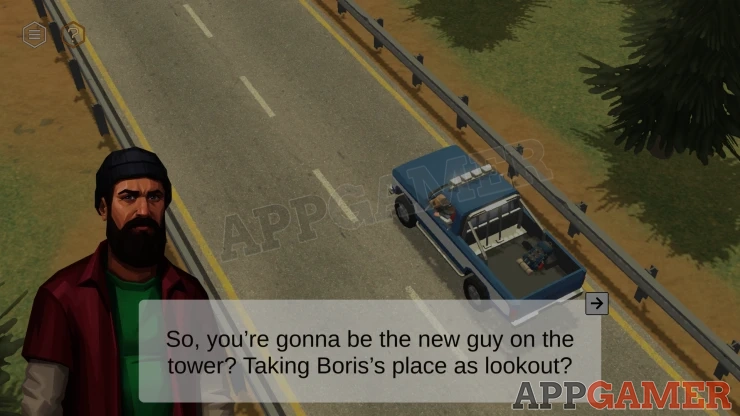
Take the Backpack from the back of the truck and then collect the notes (Paper) from the driver.
View these from your inventory. These have a list of tasks that you need to compete.
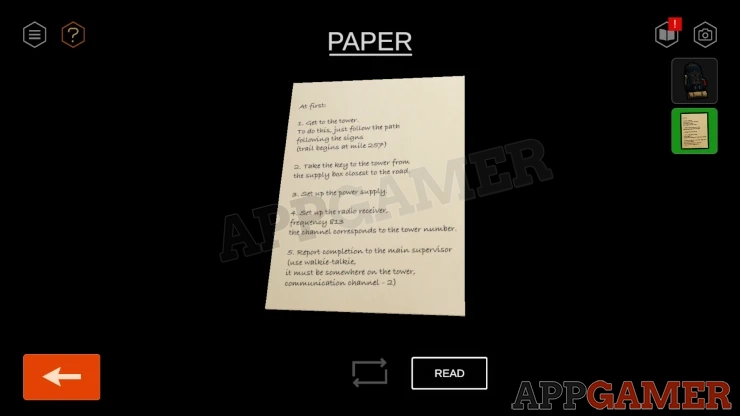
Notice that you have a camera Icon on the top right for taking photos, you can only take 10 photos at a time. This is to help you remember clues that you find. There is also a book icon, you can view this to see your goals and progress.
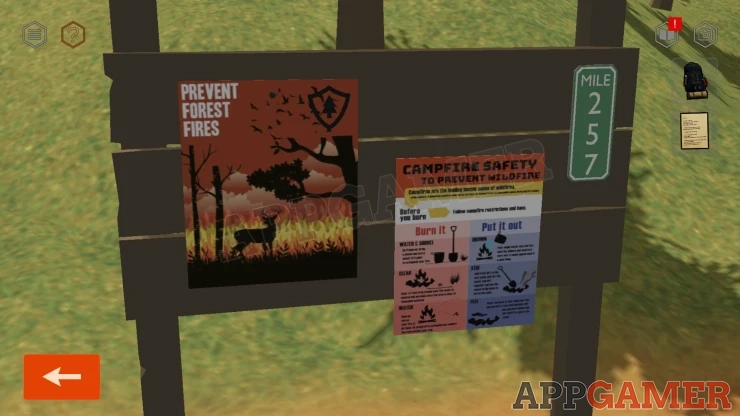
View the noticeboard by the path entrance. There are two posters, You can take a photo with the camera to help you remember this for clues.
Follow the path into the forest. You will find a red Supply box. The box is locked and requires a code.
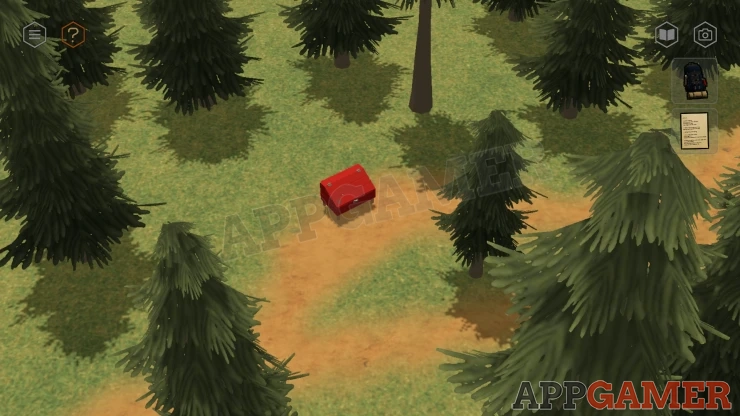
Notice the symbol on the box. This is the same as one on one of the posters you saw on the sign board. Check your camera for the photo
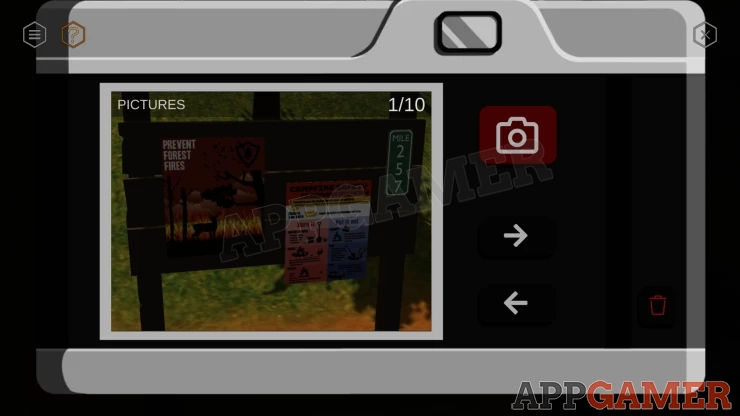
Solution: The numbers on the sign board are for the mile marker. 257Show
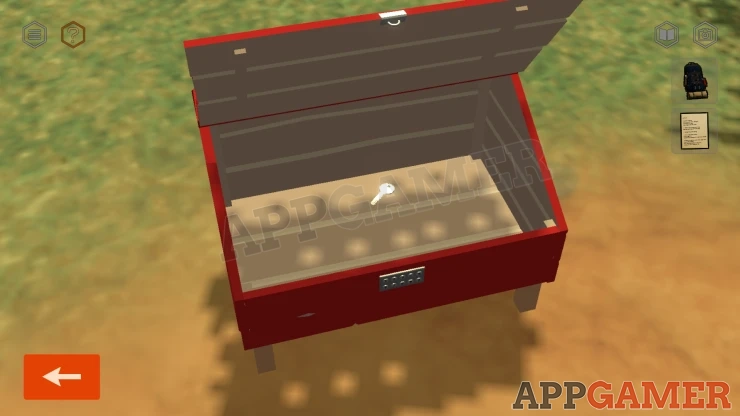
Tap to open the box and collect the Key.
Move on down the path to a crossroads. Move the view around until you can see a yellow board on the ground behind a tree.
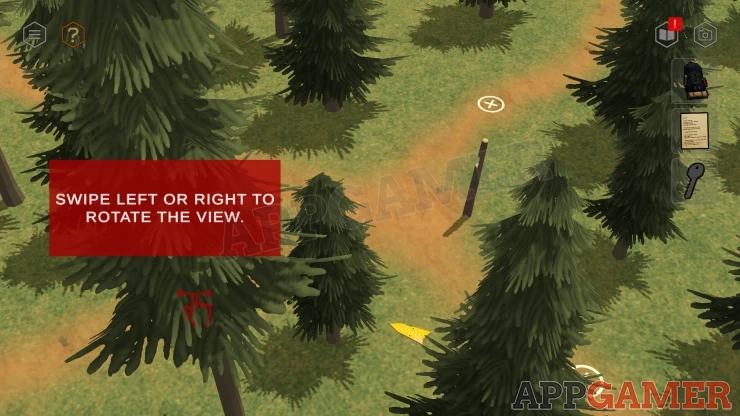
Collect the yellow Sign board from the ground. Then view the empty post by the crossroad.
Add the Sign board to the post and it will point the way.
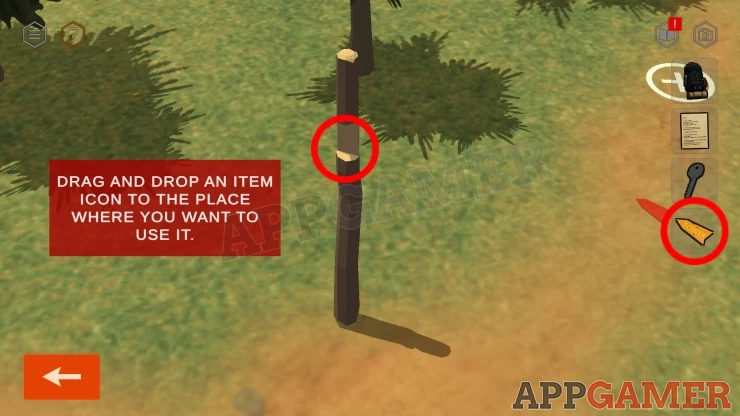
Follow the indicated path until you reach a cliff.
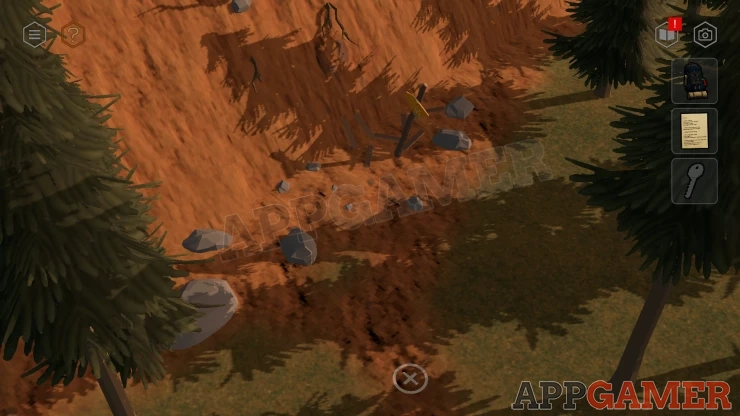
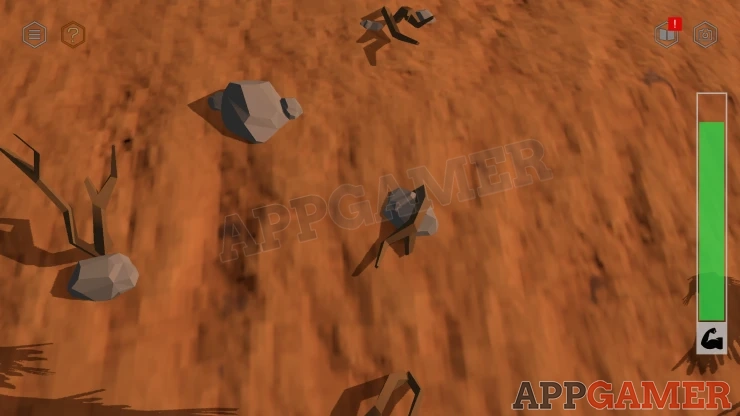
Then tap the roots and rocks to climb to the top. Select the correct hand hold to proceed. You have a time limit to complete this.
Then move on to reach the bottom of the tower. It is getting dark.
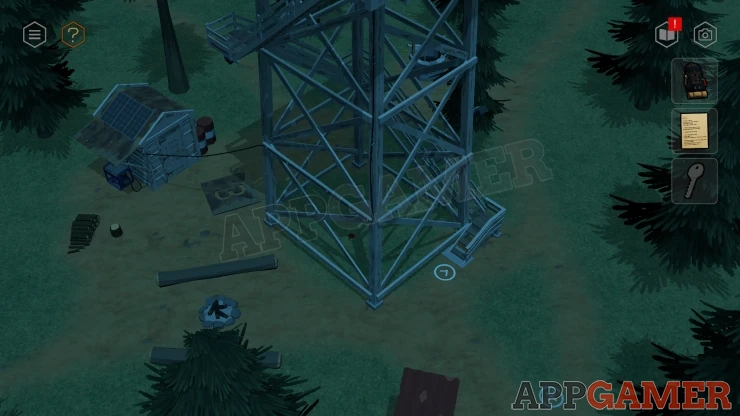
Notice on the ground is a large number 3. This is the tower number.
To the left of the tower is a small shed, the door is locked.
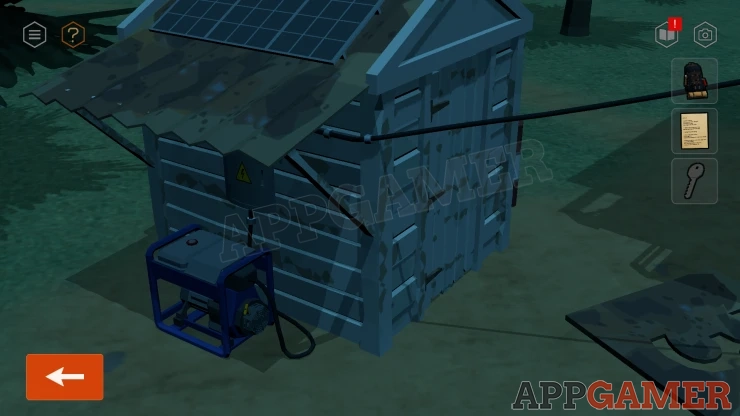
Turn the view around to see the back of the shed. Then view it closely.
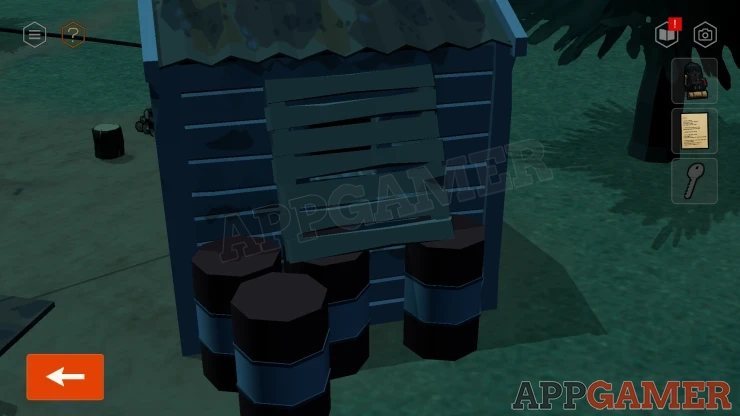
Tap the wooden pallet on the barrels at the back to move it. Then you will find a small window. Tap the window to climb inside.
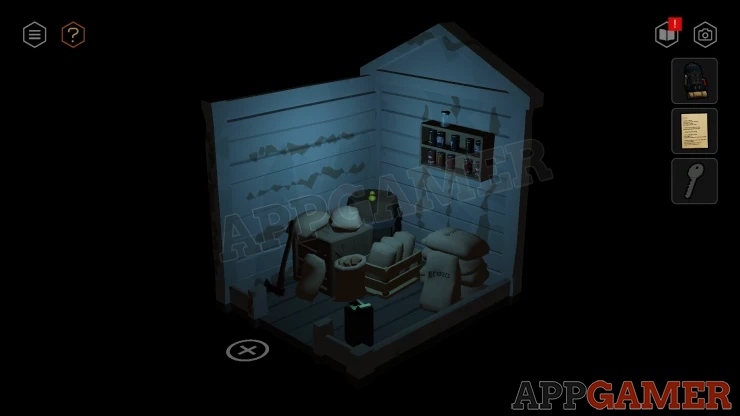
Collect a Can with Fuel from the floor. You can also look around to find the door, tap the bolt to unlock it.
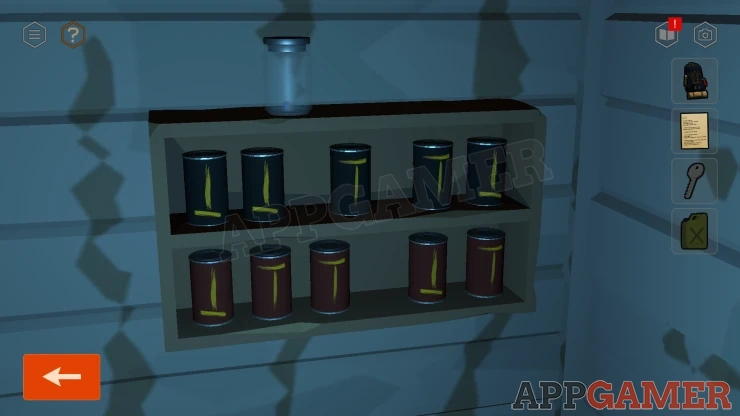
Face the back wall to see two small shelves with cans on them.
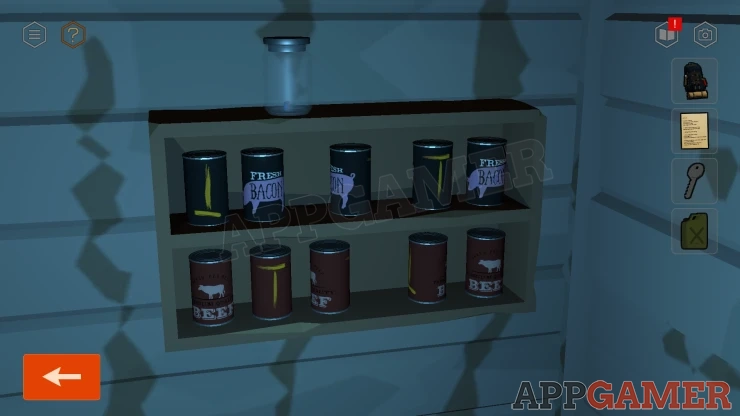
Tap the cans to turn them. On the bak of each is a marking, this is a clue. You can take a photo with the camera icon if it helps.
Show
Exit the shed and them move the view around again to find a generator on the other side of the shed.
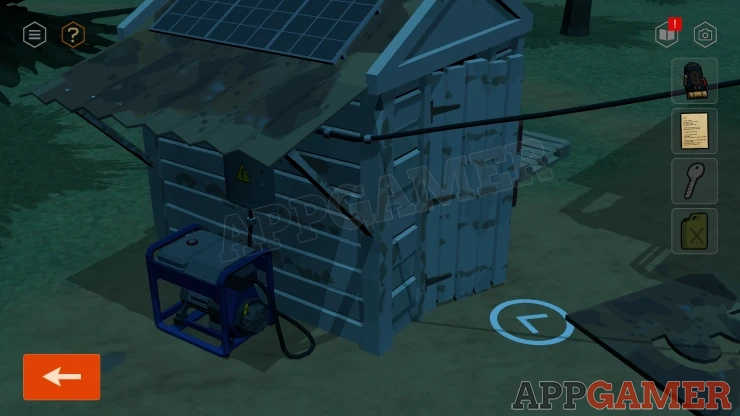
Drag the fuel can to the generator to refuel it.
Then look on the shed wall above te generator. There is a power switch panel here with two rows of five buttons. Set these buttons to the correct positions.
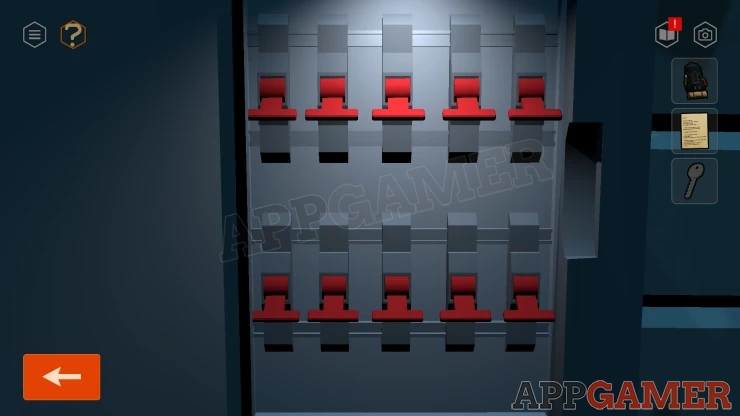
Soluition: Use the clue from the cans in the shed.Show
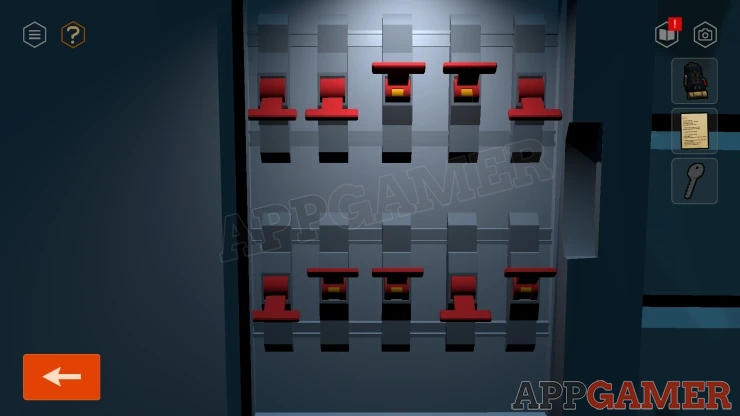
Then you can turn on the generator and the lights will start working.
Now tap the stairs to view the top of the tower. Use the key on the door to unlock it.
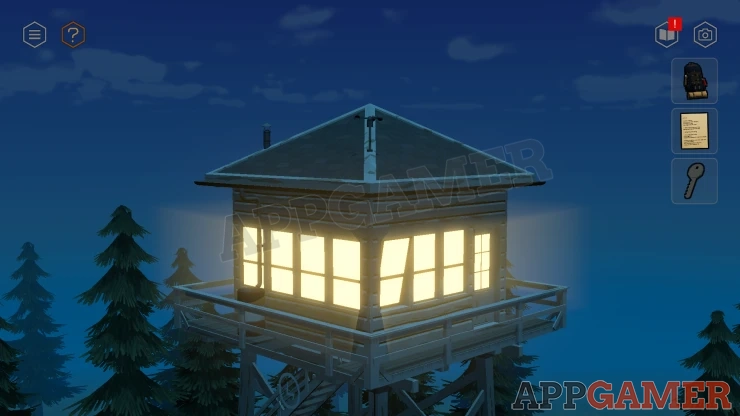
Go inside and place your backpack by the bed.
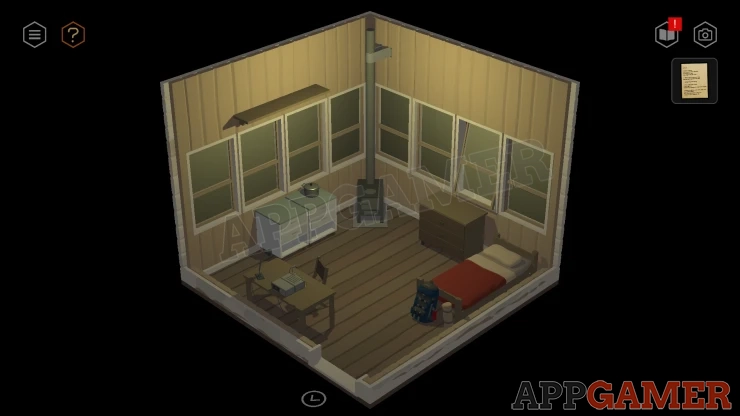
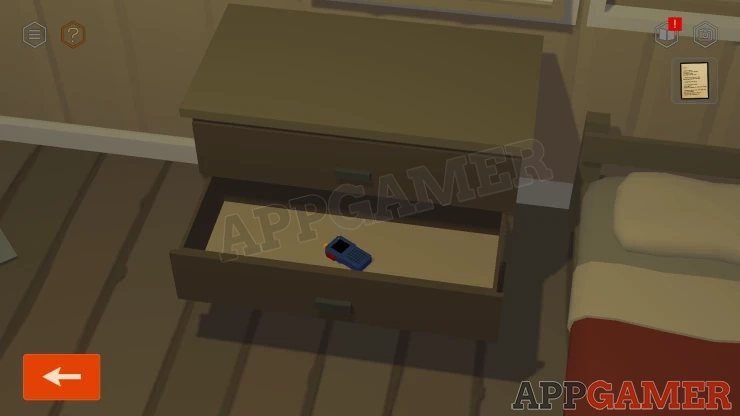
Look at the drawers next to the bed. Open the middle drawer and collect a Walkie-Talkie.
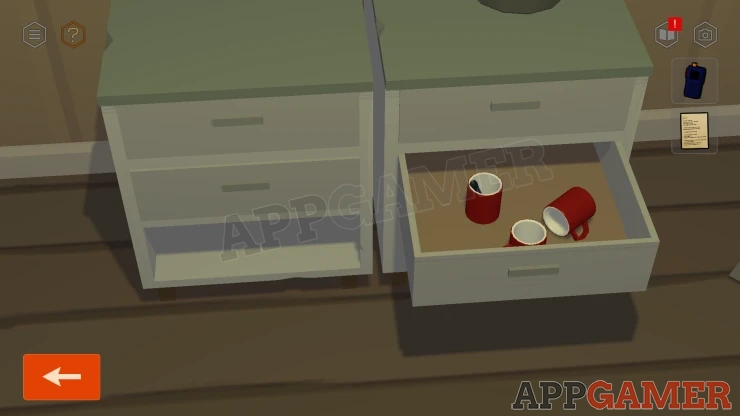
Then view the smaller drawer units on the left of the stove. Open a drawer on the right to find some mugs, collect an Antenna from one.
Turn to the left to see the radio receiver on the desk.
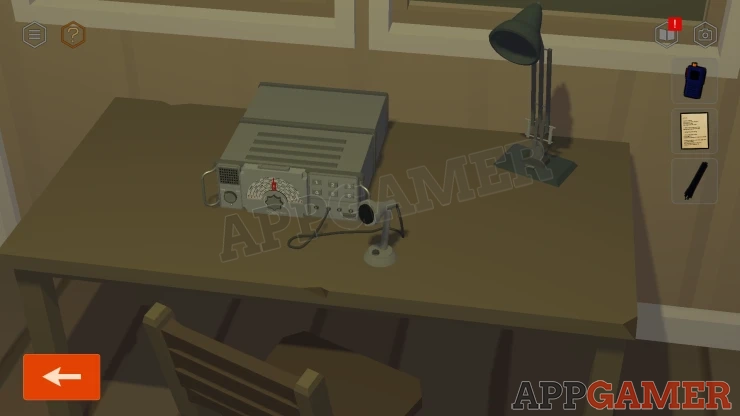
View this and turn the radio on with the switch on the left.
Then use the dial to turn it to find the frequency in the notes (813).
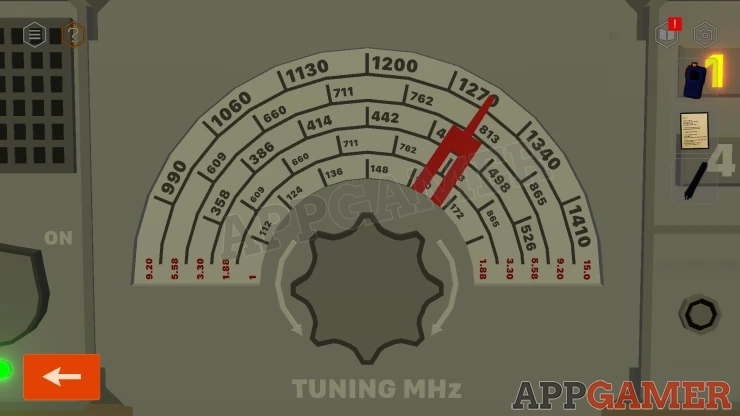
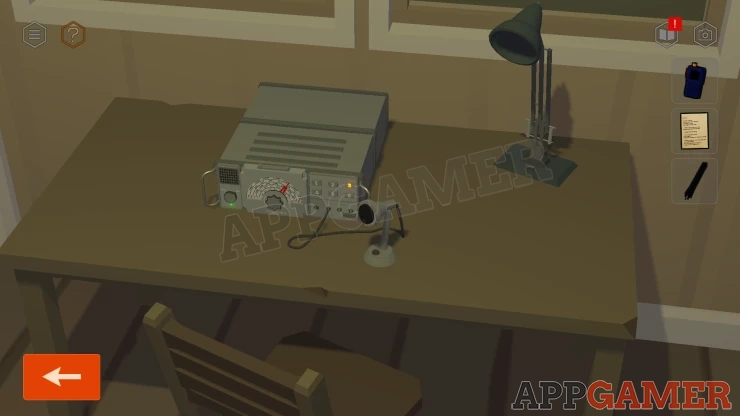
Finally select the correct button on the right (number 3 for Tower 3).
Next view the Walkie Talkie in your inventroy. Add the Aerial to it. Then look on the side and tap the switch to turn it on.
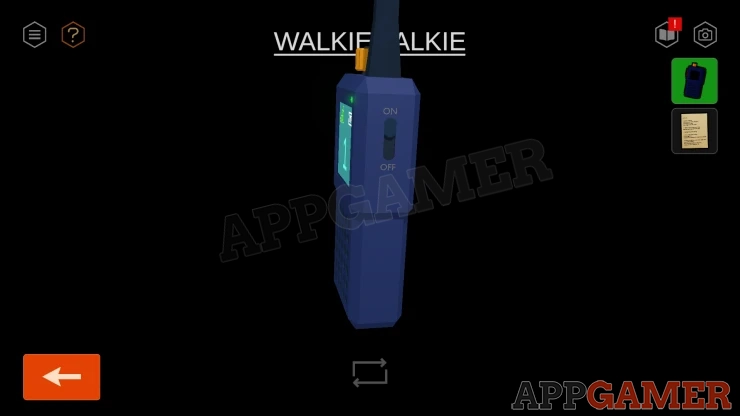
Next use the yellow switch on the top to turn to channel 2.
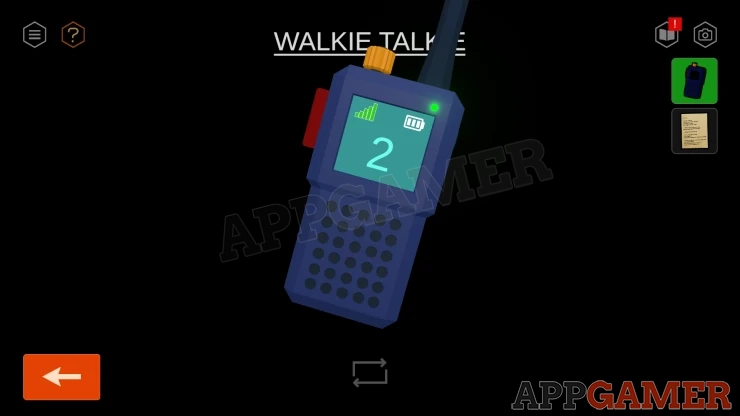
Then press the large red button to talk.
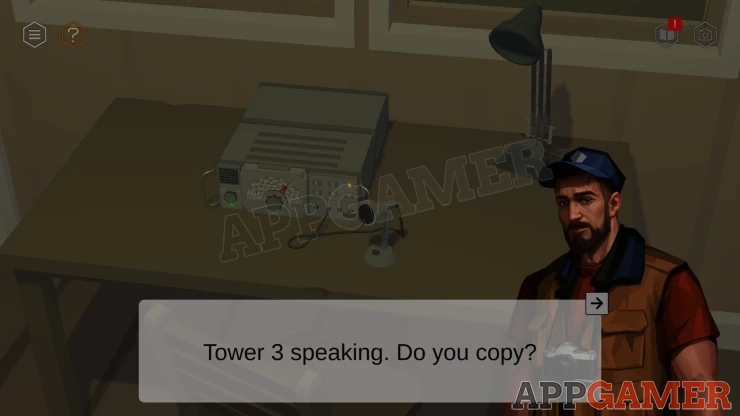
If you have completed all of the tasks from the list you will be told to start work tomorrow.
You can continue to look around or tap on the bed when you are done to go to sleep.